
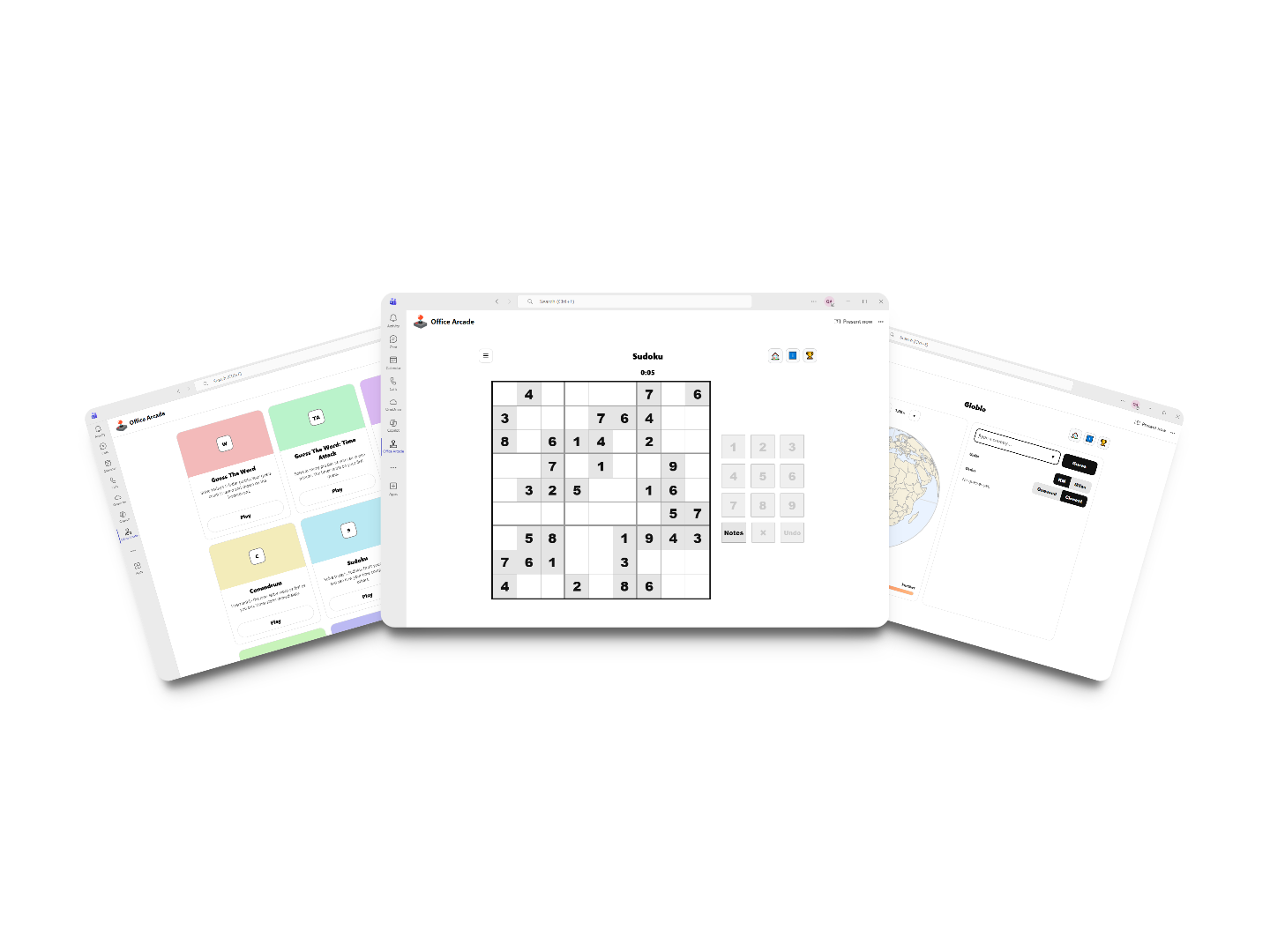
Daily games in Microsoft Teams
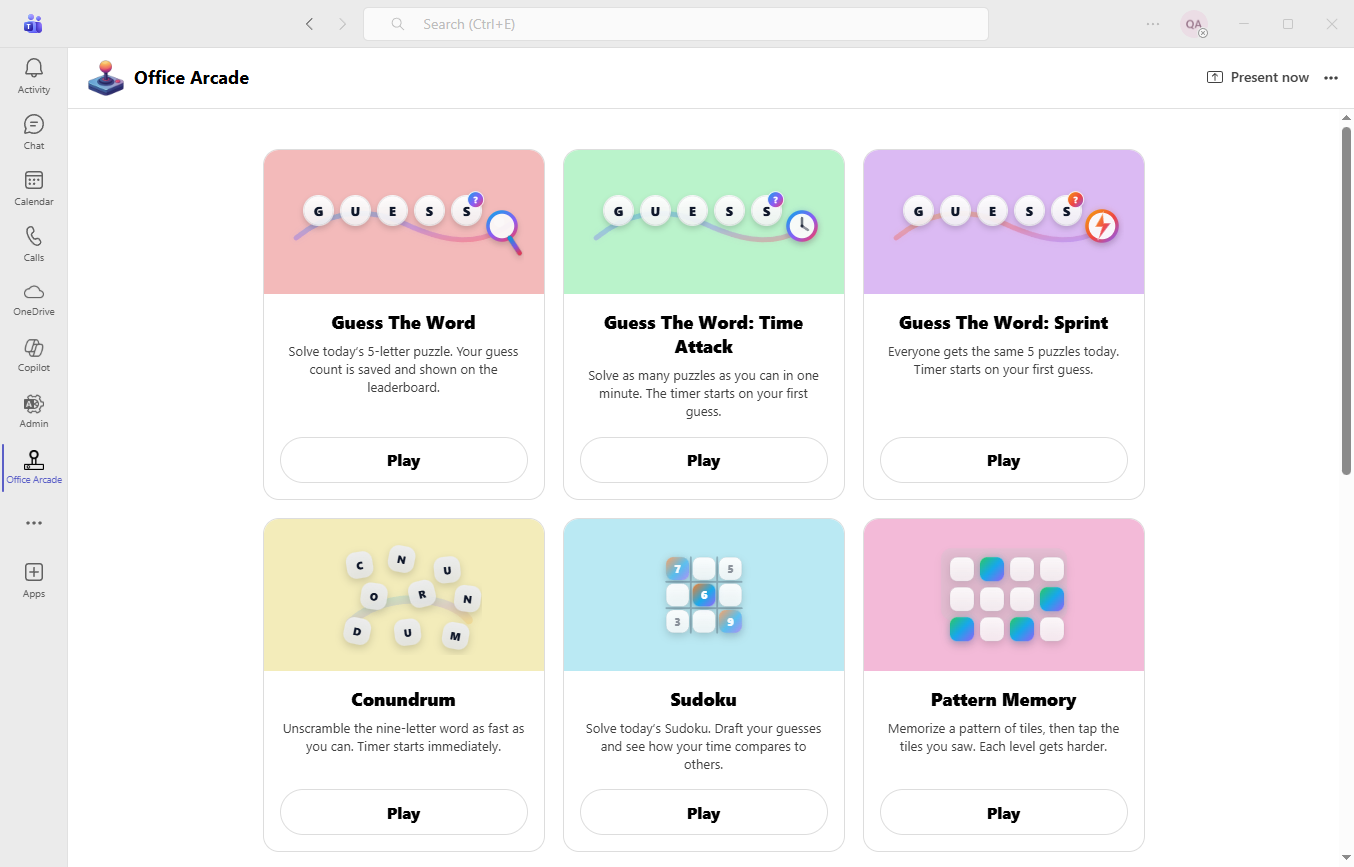
Office Arcade brings bite-sized challenges to your team. Everyone gets one attempt per game per day, and the leaderboard keeps the competition fair, fun, and talk-worthy.
Features
Built for Teams: quick to play, easy to adopt, and designed for fair competition.

Daily puzzles
A new set of puzzles every day so your team always has something to jump into.
One attempt per game per day
One shot makes scores meaningful and prevents leaderboard “grinding.”
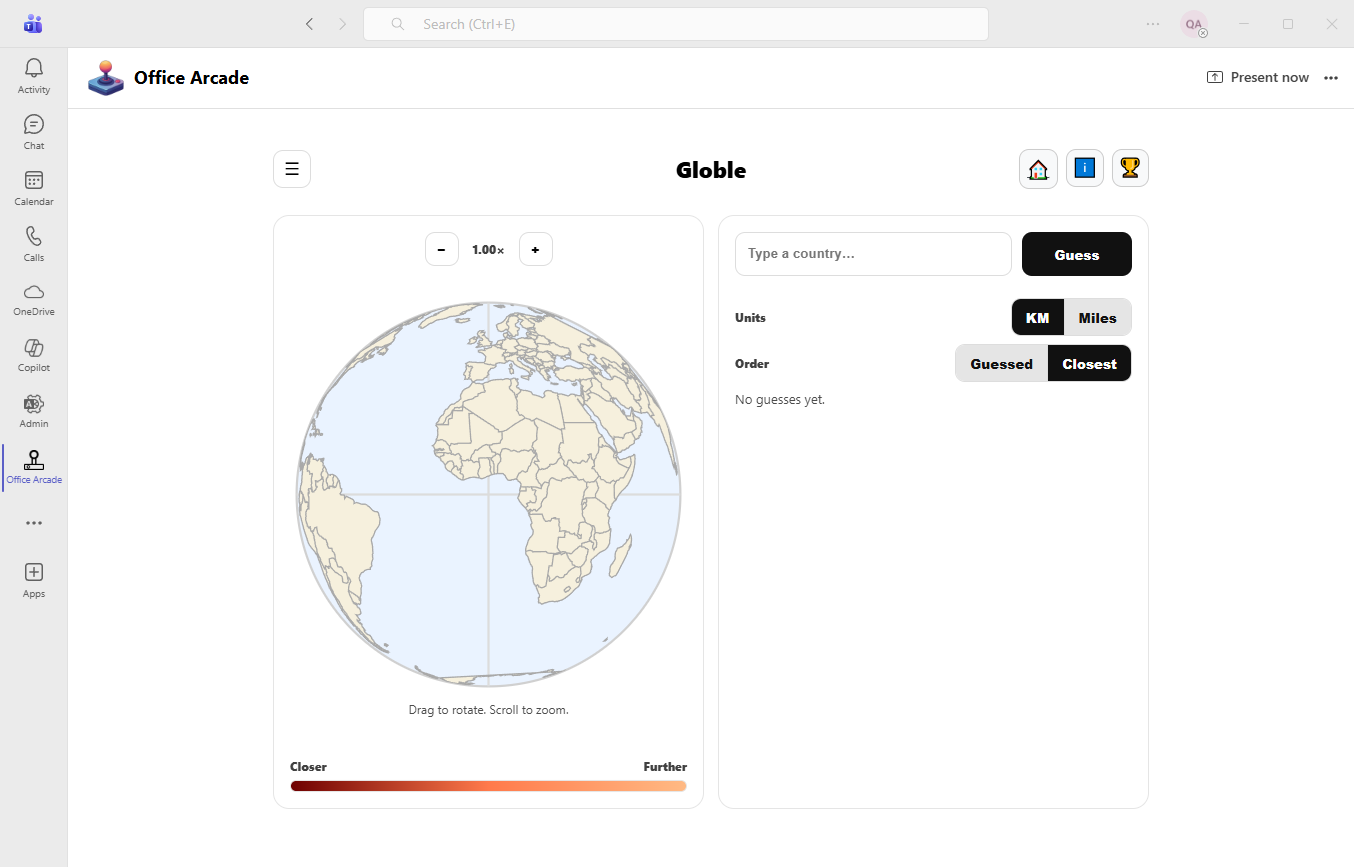
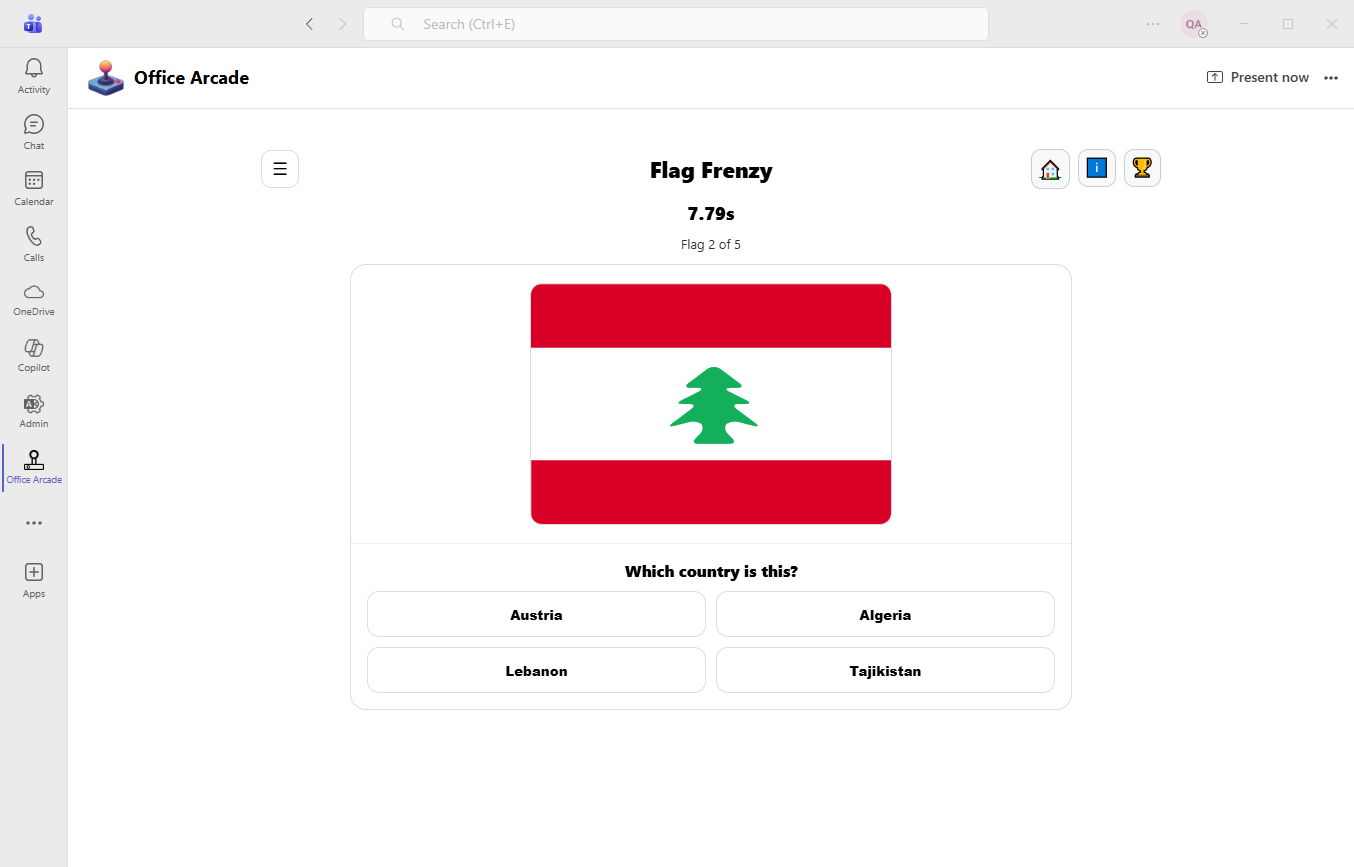
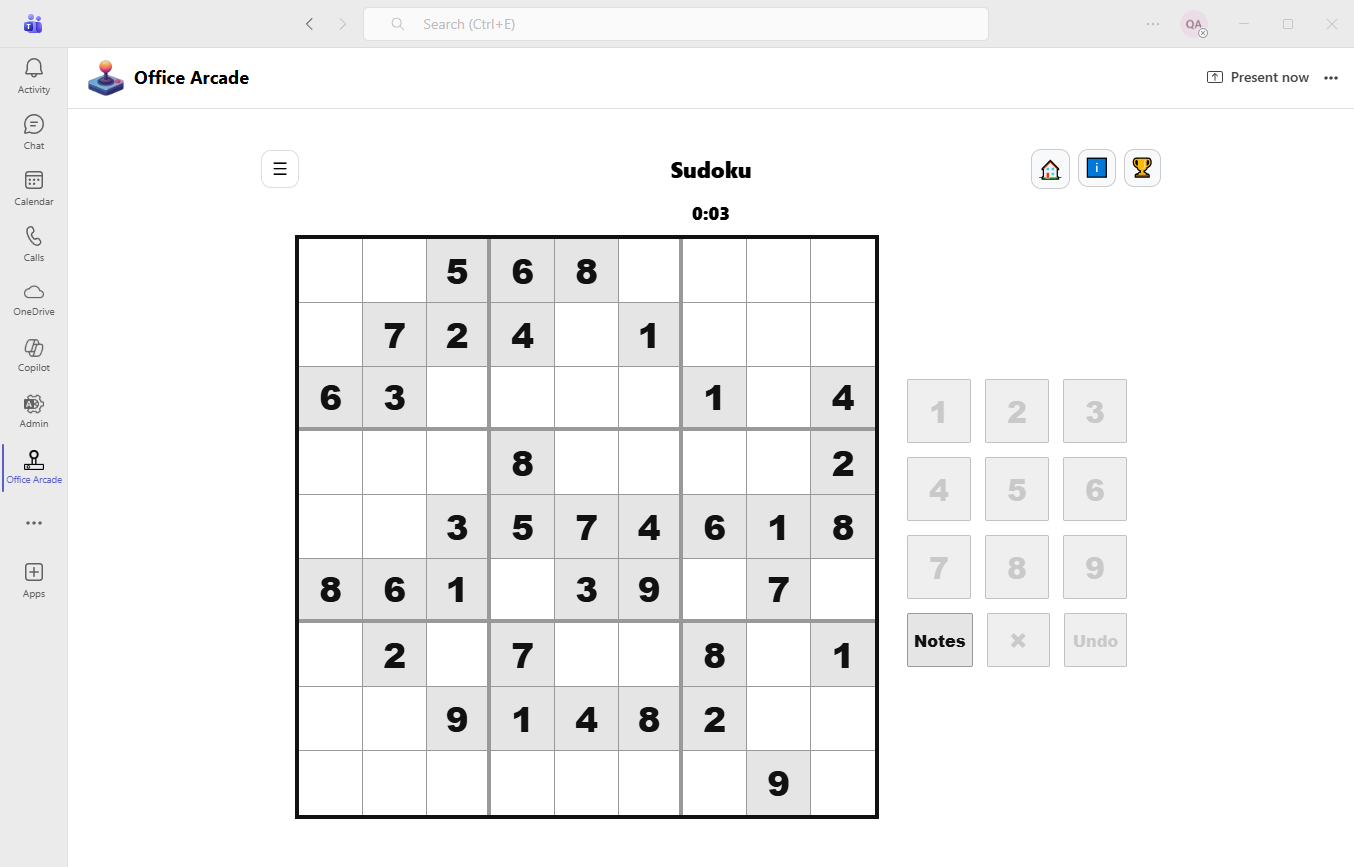
Variety of game types
Mix of brain teasers, speed challenges, and light strategy—something for everyone.
Leaderboard competition
See how you stack up against colleagues—daily.
Fast to play
Designed for breaks between meetings: quick sessions, instant results.
Teams-first experience
Play where you chat. No new accounts, no context switching, no hassle.

Fair play by design: one attempt per day
Everyone gets the same shot, once per day. That keeps the competition friendly and the leaderboard meaningful.
- One score per game, per day—no retries.
- Encourages participation, not perfection.
- Great for daily standups, breaks, and team rituals.

Leaderboards that spark conversation
A little friendly pressure goes a long way. Track progress and celebrate wins together.
Compare your score with teammates across daily and longer-running leaderboards. It’s competitive, but never exhausting—because tomorrow is always a fresh start.

Quick games that fit real workdays
Short sessions make it easy to play between meetings, during lunch, or whenever your team needs a reset.
- Play in under a minute or take your time—your choice.
- Designed for all skill levels (and all departments).
Pricing
Pick a plan based on how many active users you have each billing month.
Frequently Asked Questions
Everything you need to know before you bring Office Arcade to your team.
What is Office Arcade?
Office Arcade is a Microsoft Teams app that brings a set of quick, daily games into one place—perfect for short breaks, friendly competition, and team-building.
Do the games change every day?
Yes. Most games have a daily puzzle or daily challenge that rotates once per day, so you’ll always have something new to play.
When does the “daily” puzzle reset?
The daily puzzles reset at midnight in your local time zone.
Can my team compete on leaderboards?
Yes. Leaderboards are available for many games so you can compare results and compete with coworkers.
Are leaderboards global or just for my organization?
Leaderboards are scoped to your tenant (organization) so you’re competing with people in your company, not the entire internet.
Do I need to install anything besides the Teams app?
No. Once Office Arcade is added to Teams, you can play right inside Teams—no extra installs needed.
Does Office Arcade need access to my Microsoft 365 data?
Office Arcade uses Teams sign-in to identify you for game progress and leaderboards. It does not read your emails or files.
What information is stored about me?
We store only what’s needed for gameplay and leaderboards: your user ID, display name (for the leaderboard), your attempt status, and your score/time for that day.
Does the app track me across other websites?
No. Office Arcade doesn’t use third‑party tracking cookies. Game progress is stored within the app and, in some cases, locally on your device to reduce network requests.
Can I play if my internet connection is spotty?
You can usually keep playing, and progress may be saved locally. Some features (like submitting scores and loading leaderboards) require a connection.
Can I play on mobile?
Yes. Office Arcade is designed to work inside Teams on desktop and mobile, though some games are best experienced on a larger screen.
Can I replay a previous day’s puzzle?
You can view recent leaderboards. Some games are designed around a daily attempt, so replaying past days may be limited depending on the game.
Why can’t I submit results for a different day?
To keep the competition fair, submissions are only accepted for the current day’s puzzle.
Is Office Arcade free?
Office Arcade includes free gameplay, and optional paid features may be available depending on your organization’s settings.
What counts as an “active user” for billing?
Active users are users who played at least once during the billing month.
How do subscriptions work in Teams?
If your organization enables billing, you can subscribe securely. After purchase, you can close the payment window and reload the Office Arcade app in Teams to see the updated access.
Who can install Office Arcade in my organization?
It depends on your Teams admin policies. Some organizations allow users to install apps; others require an admin to approve and deploy.
How do I get support or report an issue?
Use the support/contact link on the product page (or the in-app help link if available). Include your Teams client type (desktop/mobile), the game name, and what you expected to happen.
Contact
Want to install Office Arcade in your Teams tenant, run a pilot, or discuss enterprise rollout? Get in touch.